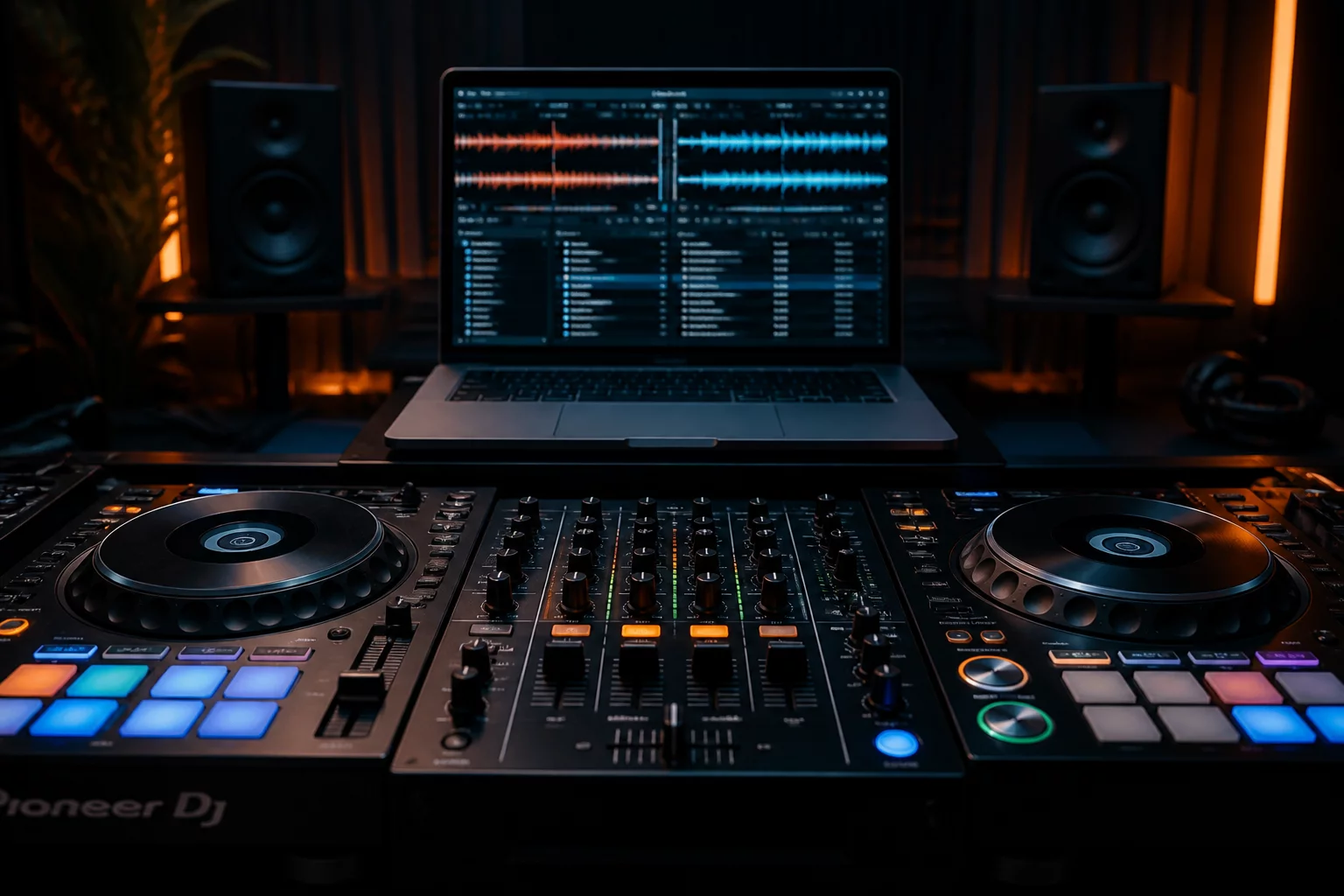
For analog recordings with tempo fluctuations, Serato DJ Pro allows manual grid markers. Set the initial Downbeat (Marker 1) precisely on bar 1 beat 1. As the drummer drifts ahead or behind, press X to set a new grid anchor at the start of any misaligned 4-bar phrase, then adjust the spacing with the grid slip controls.
Always lock your track grid in the track overview panel after manual calibration to prevent auto-analysis overwrites during bulk library rescans.
Our readiness methodology establishes a universal 8-slot protocol:
- Cue 1 (Red): Primary Downbeat / First audible transient
- Cue 2 (Orange): Vocal entry or key rhythmic element
- Cue 3 (Green): Main Drop or Primary Groove
- Cue 4 (Cyan): Breakdown initiation
- Cue 5 (Blue): Second Drop / Peak energy transition
- Cue 6–8 (Violet/Yellow): Active Outro Mix-Out markers and emergency 8-bar loop anchors
Excessive nested Smart Crates with complex regex rules force dynamic re-indexing during software launch. Limit live Smart Crates to under 25 operational categories. Use date-bounded filters (such as Added in last 60 days) instead of full-library string matching across broad metadata tags.
Regularly archive legacy project crates into standalone sub-folders on external storage to keep the primary _Serato_ database file under 40MB.
Standard WAV containers do not natively support standard ID3 metadata frames, meaning cue point markers and custom comments stored in Serato proprietary chunks can be lost if files are transferred across non-mirrored volumes. We strongly recommend AIFF or FLAC at 24-bit/44.1kHz. Both retain uncompressed/lossless audio while hosting complete ID3 chunk architectures.
When Serato detects a 174 BPM Drum & Bass track as 87 BPM, select the track in your crate, double-click the BPM field, and press Alt + Up Arrow (Windows) or Option + Up Arrow (macOS) to instantly double the tempo value. Pressing Down Arrow with the modifier halves the value without altering cue placement.
We recommend setting the Target Gain in Serato DJ Pro preferences to 92 dB. This provides 6 dB of clean headroom before limiter engagement on club mixers, preventing digital clipping during double-drop transitions while equalizing vintage low-output masters and modern hyper-compressed masters.
Execute the 3-2-1 backup protocol:
- Copy the primary
Music/_Serato_andMusic/_Serato_Backupdirectories weekly. - Maintain a mirrored clone on a dedicated high-speed rugged external SSD.
- Run a periodic cloud archive sync after finalizing significant library reorganizations.
Set Quantize to 1/2 Beat or 1 Beat for structural transitions, ensuring flawless on-grid drops. If performing tone play or finger drumming on cue pads, disengage Quantize or set it to 1/16 Beat to avoid latency and rhythmic snapping artifacts.
No matching guidance entries found
Try refining your query or resetting the category filter to browse all technical workflows.
Need tailored assistance with your library migration?
Consult our comprehensive field guides or get in touch with our audit engineers to resolve corrupted track metadata, nested crate conflicts, and multi-deck sync latency.