The Mathematical Illusion of Auto-Analysis
Modern DJ software reliably extracts tempo by calculating transient intervals across frequency bands. When Serato DJ Pro analyzes an electronic track, its algorithm detects repetitive energy spikes and matches them against standard metronomic divisions. A track at precisely 124.00 BPM will almost always show 124.00 BPM on the deck display.
However, tempo is purely an interval measurement, whereas a beatgrid requires absolute positional accuracy. An introductory ambient swell, a vocal pickup bar, or an unquantized percussion intro easily causes the software algorithm to place bar one on beat two or an offbeat syncopation. The tempo readout gives false confidence while the grid sits half a beat away from the actual downbeat.
Core Ledger Principle
Numerical BPM validation is not grid confirmation. Never mark a track ready for live performance until the downbeat marker sits visibly and audibly on the true one of the musical phrase.
Systematic Protocol for Grid Alignment
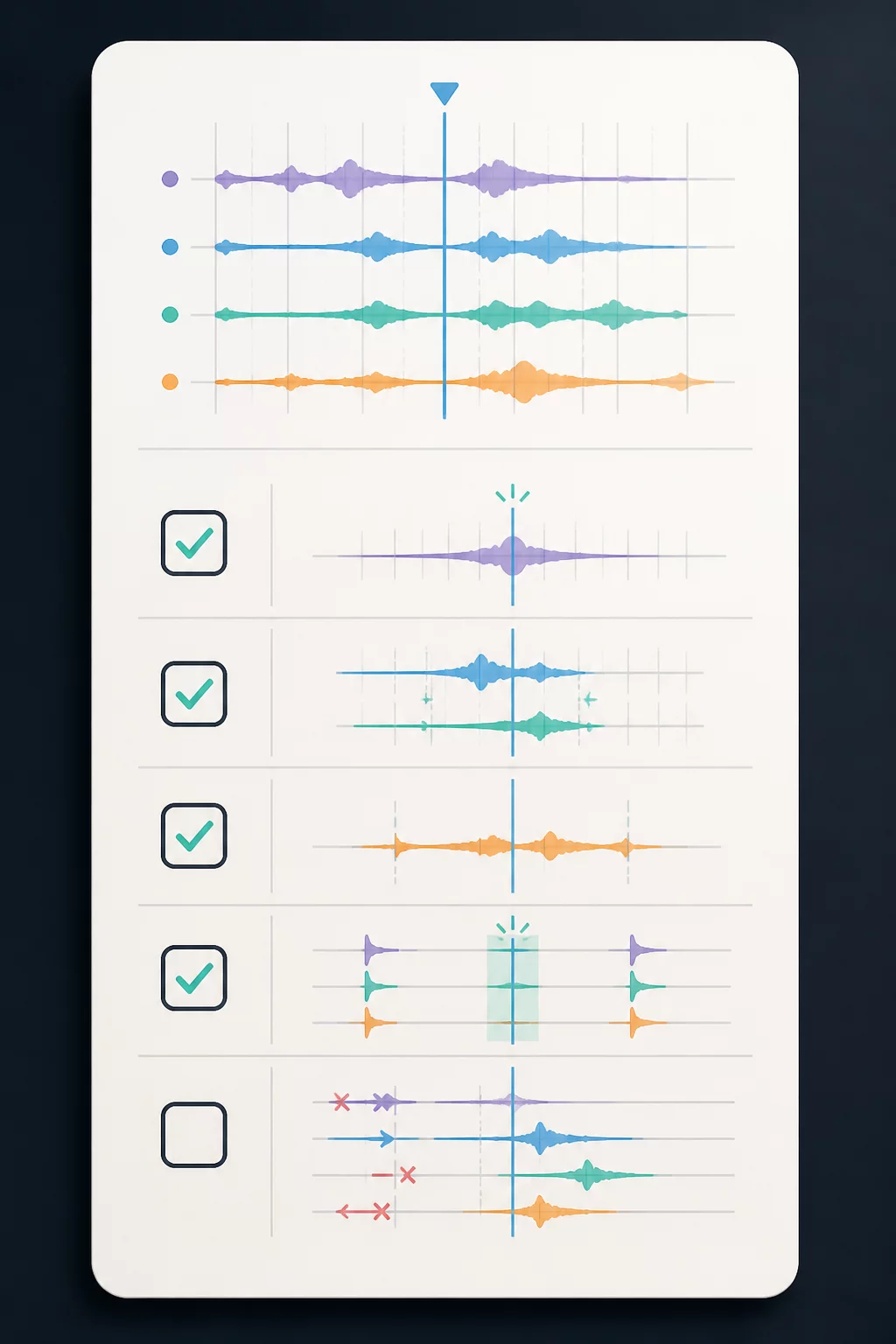
Resolving a misaligned beatgrid requires a structured verification sequence before assigning performance cues. Follow this standard routine during track intake:
-
01
Locate the Master Downbeat (Bar 1, Beat 1) Scroll past introductory atmospheric textures to the first definitive kick or rhythmic downbeat where the musical phrase initiates.
-
02
Set or Shift the Red Grid Anchor Open grid edit mode in Serato, clear misleading automated markers, and tap Set Downbeat directly on the transient peak.
-
03
Audit Phrase Boundaries at Midpoint and Outro Zoom into bar 32, bar 64, and the breakdown exit. Confirm that the white grid lines maintain strict alignment through the entire duration of the track.
If the grid drifts over time on non-quantized live recordings or vintage disco edits, use flexible warp markers. For modern quantized tracks, a single accurate downbeat anchor immediately locks every subsequent measure into place.
Performance Impact and Fail-Safe Readiness
Playing a track with an incorrect grid under auto-sync forces the software to align the wrong transients, creating immediate rhythmic clashing that cannot be nudged out without disabling sync. In addition, quantize-dependent effects, rolling beat loops, and auto-slip cues will trigger off-time.
By standardizing the manual verification step in your Track Readiness Card workflow, you eliminate unexpected sync disasters. The two minutes spent inspecting the grid during track preparation ensures complete tactical reliability on stage.

Technical Inquiries & Discussion
Leave a Comment