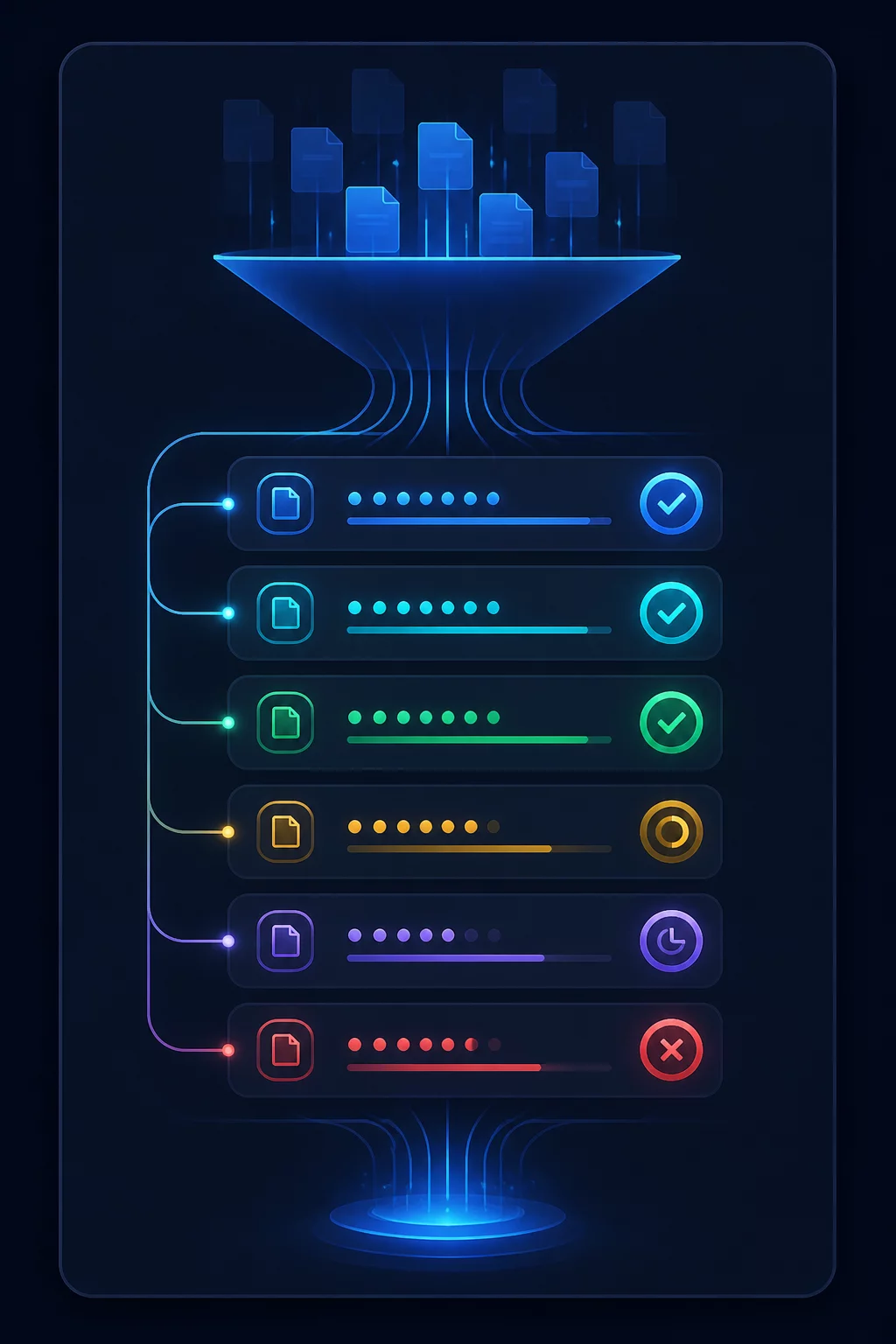
The Operational Risk of Blind Bulk Additions
Dropping fifty freshly acquired tracks directly into your working Serato DJ Pro performance crates creates hidden vulnerabilities. Auto-analysis tools mathematically compute average BPM values and identify transient spikes, but they lack human musical perception. Tracks with unquantized analog intros, complex polyrhythms, or dynamic tempo shifts consistently trigger misplaced beatgrid markers and incorrect downbeats.
During a high-pressure club performance, relying on uninspected tracks shifts focus away from room reading and track selection toward corrective manual nudging. Establishing an intermediate intake workflow isolates raw audio files until systematic human inspection verifies acoustic accuracy, dynamic gain levels, and metadata consistency.
The Golden Intake Isolation Rule
Never move downloaded music into primary performance crates until all files pass the four-stage verification ledger: audio source check, downbeat confirmation, hot cue mapping, and metadata standardization.
The Three-Phase Batch Verification Protocol
Reviewing fifty individual tracks one by one in isolation causes mental fatigue. Batching the process into three distinct operational phases preserves listening accuracy and shortens total preparation time.
-
01
Source Integrity and Dynamic Gain Check Inspect audio formats, clip warnings, and dynamic headroom across the entire batch. Convert variable bitrates to stable 320kbps MP3 or lossless AIFF/FLAC, standardizing auto-gain settings to match existing crate output.
-
02
Downbeat Alignment and Beatgrid Stress Test Zoom into the initial kick transient on bar 1 beat 1 to snap the Red Cue marker. Scrub through the mid-track breakdown and final outro with headphones to verify grid stability against Serato metronome clicks.
-
03
Standardized Cue Assignment & Multi-Crate Filing Assign structured functional hot cues (Red: Start, Green: Main Drop, Blue: Outro Transition). Apply consistent genre tags and place the track into at least two purpose-driven subcrates.
Processing files in groups of ten to fifteen prevents listening fatigue, ensuring that every imported track performs reliably under club sound pressure.
Securing Long-Term Library Integrity
Library corruption accumulates through small compromises. When unverified tracks scatter across performance playlists, search results become cluttered with duplicate versions and inaccurate tempo tags. Implementing an unbending "_STAGE_HOLDING" root crate guarantees that only fully audited music enters active live rotations.
After completing manual verification, lock the beatgrids in Serato DJ Pro by holding Control (or Command on macOS) and clicking the padlock icon in the track overview row. This prevents subsequent automated rescans from overwriting verified cue and timing data.

Technical Inquiries & Discussion
No comments yet. Be the first to leave a comment.
Leave a Comment